Full Heal & Reset All
The rest block includes two optional utility buttons that work directly on your trackers:
• Full Heal – clear all HP damage in the current note.
• Reset All – clear HP, Stress, Armor, and Hope trackers in the current note.
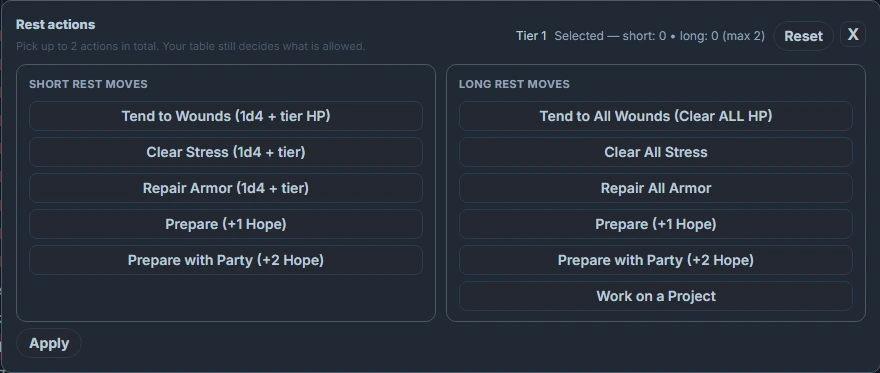
This page focuses only on those two actions. For Short/Long Rest behavior and how the rest modal works, see the main Rest – Short & Long page.
These utilities are useful for:
For an overview of related blocks (rest, vitals, damage, etc.), see the Code Block Reference.
• Starting a new session with everyone at full health.
• Quickly resetting a test or one‑shot character sheet.
• Handling “total reset” events (e.g. after a long downtime).
How they find trackers
Both actions operate only within the current note’s preview:
• They look for .dh-tracker elements (from vitals, hp, stress, armor, hope blocks).
• Each tracker has a data-dh-key attribute (the state key used by the underlying store).
• The reset actions read those keys and set the stored value to 0, then emit an update so the visual trackers redraw.
If no matching trackers are found in the note, the button shows a notice like “No HP tracker found in this note.” or “No trackers found in this note.”
Because they operate on the current preview, you don’t need to configure any keys for them—they auto‑discover trackers. Use hp_key / stress_key / armor_key / hope_key only if you have very custom setups for Short/Long rest.
Full Heal
The Full Heal button:
• Finds all HP trackers in the current note (any .dh-tracker that contains .dh-track-hp).
• Sets their filled boxes to 0 (no damage marked).
• Triggers a visual refresh of those trackers.
• Shows a notice:
◦ “HP fully restored for this note.” if any HP trackers were found.
◦ “No HP tracker found in this note.” if none were found.
Use this when a character (or the whole party) is meant to be fully healed, without touching Stress, Armor, or Hope.
Example – Adding a Full Heal button
```rest
styleClass:
show_short: false
show_long: false
show_levelup: false

# Enable full heal only
show_full_heal: true
full_heal_label: "Full Heal HP"

# Full Heal itself just scans the note for HP trackers.
# hp_key is optional; normally auto-detected.
hp_key: "din_health::Character/Marlowe"
```
Reset All
The Reset All button:
- Finds all HP, Stress, Armor, and Hope trackers in the current note.
- Sets each of their filled values to
0. - Triggers a visual refresh for each tracker.
- Shows a notice:
- “All trackers in this note reset.” if any were found.
- “No trackers found in this note.” if none were found.
Use this sparingly—it completely clears all damage/stress/armor/hope marks for that character sheet.
Example – Adding a Reset All button
```rest
styleClass:

show_short: false
show_long: false
show_levelup: false
show_full_heal: false

# Enable only the global reset
show_reset_all: true
reset_all_label: "Reset All Tracks"
```
Configuration – Heal/Reset options
Relevant rest options for these features:
| Property | Type | Default | Description |
|---|---|---|---|
styleClass | String | none | CSS class for styling the rest control row. |
show_full_heal | Boolean | false | Show the Full Heal button (HP only). |
full_heal_label | String | "Full Heal" | Label for the Full Heal button. |
show_reset_all | Boolean | false | Show the Reset All button (HP + Stress + Armor + Hope). |
reset_all_label | String | "Reset All" | Label for the Reset All button. |